A DIY accessibility switch for iPhone and iPad
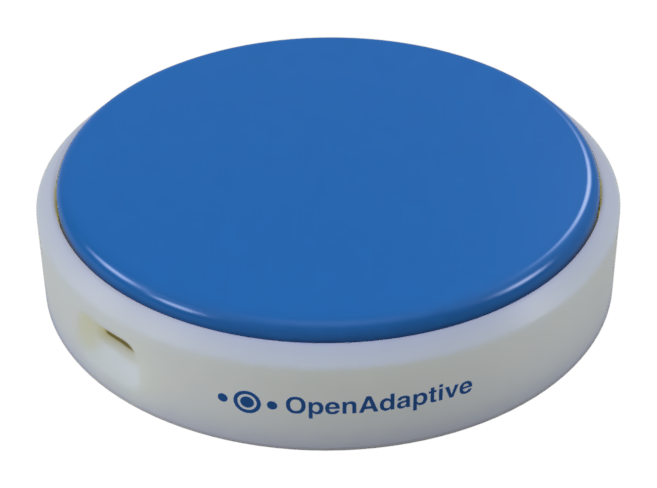
OpenAdaptive Switch is an open source Bluetooth button for the iOS Switch Control accessibility feature. All of it is completely free: the firmware, the iPhone app, and the build guide are open source, so a switch can be changed to fit whatever a person needs. The hardware comes to around $15 in parts; comparable commercial switches sell for around $200.
The free app needs the switch hardware; today a switch is built from the guide for about $15.
Fully customizable to fit your needs
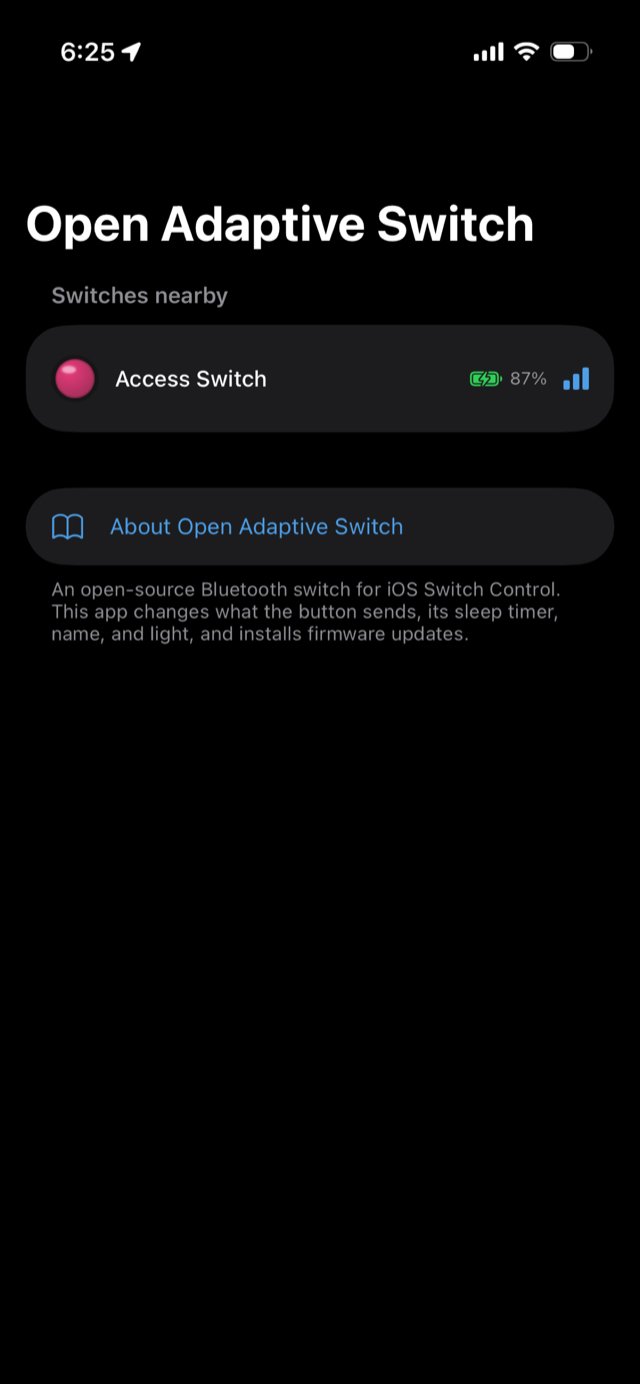
Every setting lives on the switch itself and is changed over Bluetooth from the phone. No computer, no reflashing, and nothing is lost when the battery runs out or the firmware updates.
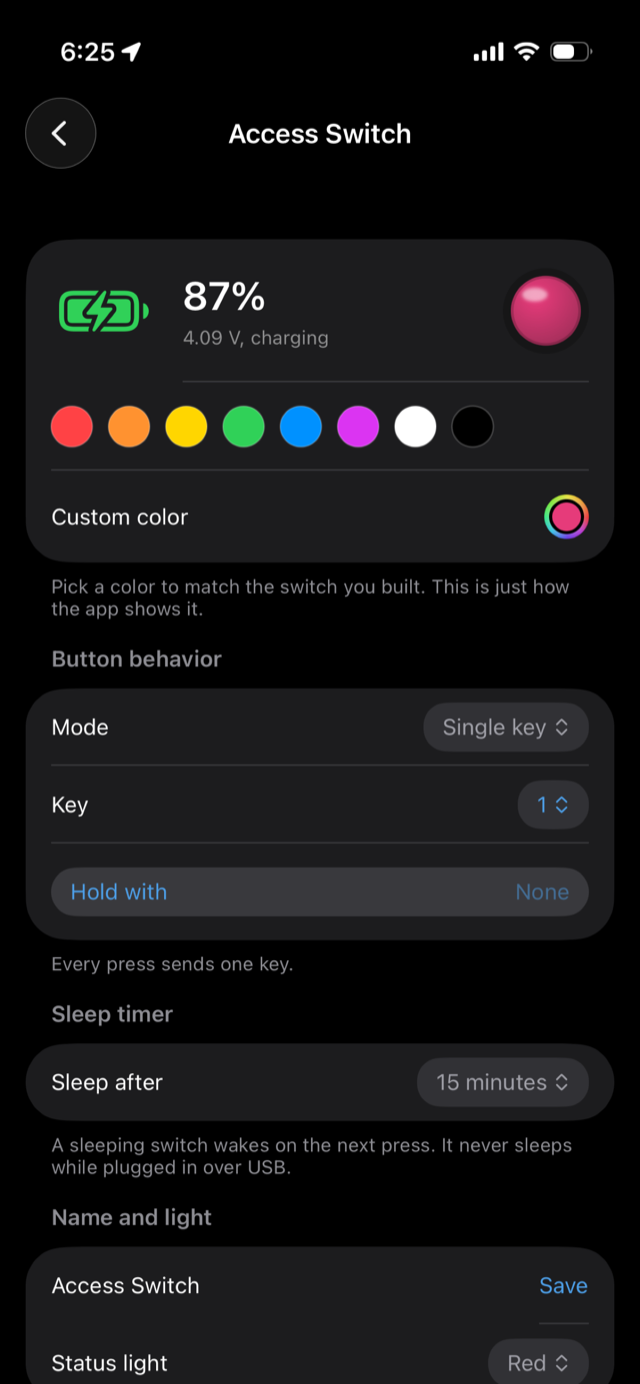
Any key, with modifiers
F13 to F24 pair cleanly with Switch Control, and letters, numbers, and common keys are in the list too. Custom key codes work as well.
Three actions from one button
Single key, tap or hold, or short, medium, and long presses. Each press length can send a different key.
Sleep timers
The switch sleeps after a set idle time and wakes on the next press. On USB power it stays awake.
A name and color per switch
Rename each unit and give it a color in the app, so the red button on the tray shows up as a red button on the screen.
Rechargeable battery and charge status
Percentage, voltage, and charging state, live in the app. Charges over USB-C; no coin cells or disposable batteries to buy and swap.
Firmware updates over the air
Install the latest release from the app, pick any published version, or roll back. Settings stay put through updates.
Made for iOS Switch Control
The switch shows up to iOS as a Bluetooth keyboard. It pairs in Settings under Bluetooth, or through Accessibility, Switch Control. A press can tap the screen, run a recipe, or trigger other custom actions.
Each key registers as its own switch input, so three action mode behaves like three switches in one box. A switch can also skip Switch Control entirely: set it to Space, pair it as a plain keyboard, and it starts and pauses YouTube or Apple Music.
Several switches pair at once, and a switch keeps its iPad connection while a parent adjusts settings from a phone.
Apple's own guides cover the iOS side:
Hardware
- Seeed XIAO nRF52840 board
- Momentary button
- Small rechargeable LiPo battery, charged over USB-C
- Button housing: a 3D printed design is in development, check back for updates. The electronics also fit inside an existing adaptive switch to modernize it.
The board holds its Bluetooth connection at roughly 0.1mA, which is why a charge lasts months. A blank board can get its first firmware straight over Bluetooth from the app or the setup page, though that path is still experimental; flashing once over USB always works. After that, every update arrives over Bluetooth. The build guide on GitHub covers parts, wiring, and flashing. The design is open, so any part can be swapped: a bigger button, a different housing, whatever the person using it needs.
No sign up required
The app has no accounts, no analytics, and no ads. Bluetooth traffic stays between the phone and the switch. The one outbound request checks GitHub for firmware releases, and it can be turned off. The privacy policy is one page.
Questions
What is an adaptive switch?
An adaptive switch is a button that gives someone with limited mobility a reliable way to control a device. On an iPhone or iPad, the Switch Control accessibility feature highlights items on screen and a switch press triggers them. It is standard assistive technology; the expensive part has always been the hardware.
Do I have to build the switch myself?
Yes, for now. Assembly is wiring a button between two pins on the board and plugging in a battery; the guide on GitHub walks through it step by step. A 3D printed housing is in development, and the electronics also fit inside an existing adaptive switch to modernize it.
What does it cost?
Around $15 per switch in parts. The board is around $10, and the button, battery, and printed housing make up the rest. The app and firmware are free, and there is nothing to subscribe to.
Where do I get the app?
It is free on the App Store. It needs the switch hardware to be useful; without one it has nothing to connect to. The web app setup page does the same job from a browser, and the app also builds from source.
Can I set up a switch without an iPhone?
Yes. The web app setup page runs in Chrome or Edge on a computer or Android device and has the same controls. The switch itself pairs with anything that accepts a Bluetooth keyboard.
Does it work with Android?
The switch pairs with Android as a Bluetooth keyboard, but Android's Switch Access has not been tested with it yet. Reports are welcome on GitHub.
How long does the battery last?
Months of normal use per charge. The radio holds its connection at roughly 0.1mA, the sleep timer cuts that further, and charging is a gentle 50mA over USB-C.
Is any data collected?
No. The app has no accounts, no analytics, and no ads, and Bluetooth traffic stays between the phone and the switch. Its one outbound request, a check of GitHub for firmware releases, can be turned off.
Start with the build guide
Parts list, wiring, firmware, releases, and the app source are all in one repository. Questions and build reports are welcome. No iOS device? The web app sets up and updates a switch from any browser.